Turn your “digital front door” into a 24/7 appointment-generating machine in 2026.
In the digital age of 2026, your medical practice doesn’t start at your office door; it starts on a Google search results page. If you aren’t visible in the “Local Map Pack,” you are essentially invisible to 70% of potential patients searching for care “near me.”
Your Google Business Profile (GBP) is the single most powerful free tool for patient acquisition. According to Statista, over 80% of healthcare consumer journeys now begin with a local search. If your profile is stagnant, you aren’t just losing clicks—you’re losing patients to the clinic down the street.
1. Claiming and “Hyper-Optimizing” Your GBP
Most healthcare practices have claimed their listing, but very few have optimized it for E-E-A-T (Experience, Expertise, Authoritativeness, and Trustworthiness). Google’s algorithm prioritizes listings that provide the most accurate and abundant information to the user.
The “Quick Win” Checklist:
- Specific Categories: Don’t just pick “Doctor.” Pick “Pediatrician,” “Dermatologist,” or “Urgent Care Center.”
- Service Menus: Add every procedure you perform. This helps Google match you to niche searches like “knee replacement” or “teeth whitening.”
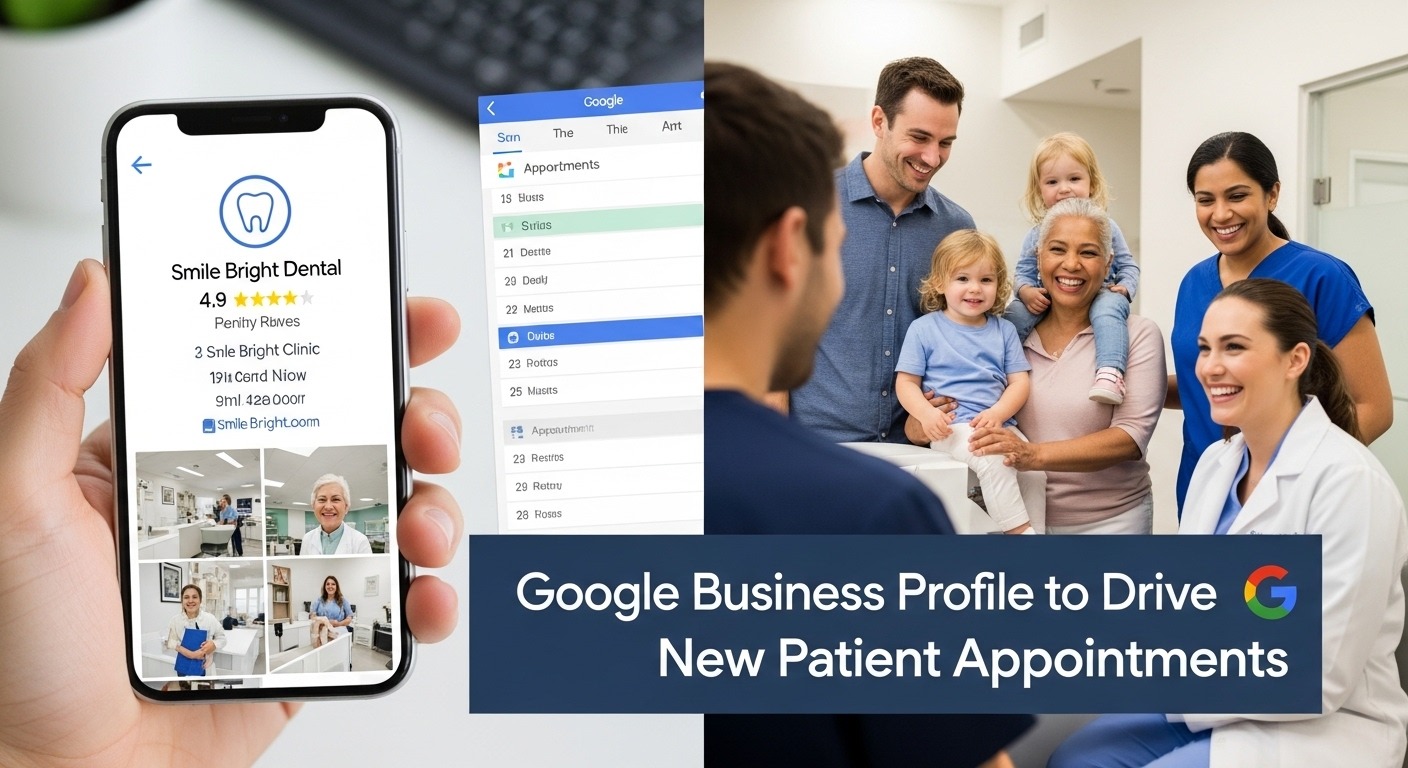
- Real Photos: Replace stock photos with high-quality images of your lobby and staff. Patients want to see where they are going.
The 3 Pillars of GBP Conversion
Local Visibility
Ranking in the top 3 results for high-intent medical keywords.
Active Reputation
Consistent, fresh reviews with responses from the clinic staff.
Booking Ease
Integrating an “Appointment” link that works instantly on mobile.
2. The Secret Weapon: Google Business Posts
Think of your GBP like your practice’s LinkedIn or Instagram. Use the “Add Update” feature to post educational healthcare content. This signals to Google that your practice is active and authoritative.
| Element | “Basic” Profile | “Conversion” Profile |
|---|---|---|
| Updates | Never posts | Weekly wellness tips/clinic news |
| Reviews | Passive/Old | Automated SMS requests daily |
| Q&A Section | Empty or ignored | FAQs pre-answered by doctors |
Master the Professional Patient Acquisition Blueprint
Optimizing your Google Business Profile is just the beginning. To truly dominate your local market, you need a system for HIPAA-compliant reputation management, advanced Local SEO, and high-conversion content marketing.
3. Leveraging Reviews for Search Ranking
Reviews are the “lifeblood” of local search. Google doesn’t just look at your rating; it looks at velocity (how often you get reviews) and keywords within the reviews. If patients mention “excellent cardiologist in [City],” your ranking for that phrase increases.
As noted in Google’s Business Guidelines, responding to reviews—both positive and negative—is a primary signal of an active, trustworthy medical practice. Ensure you respond to every patient within 48 hours to maintain your “Conversion” momentum.
Final Thoughts
In 2026, healthcare marketing is about removing friction. By optimizing your Google Business Profile, you make it effortless for a person in pain to find your practice, trust your expertise, and book an appointment in under 60 seconds. Stop letting your competitors win the Map Pack—reclaim your local market today.
© 2026 Medical Growth Academy. All rights reserved.