You’ve put in the hours. You post consistently, engage with comments, and your follower count keeps climbing — yet when you check your sales figures, those followers aren’t converting into customers. Sound familiar?
This is the most common frustration for retail store owners on Instagram. The audience exists. The products are beautiful. But there’s a missing bridge between browsing and buying — and that bridge is called Instagram Shopping.
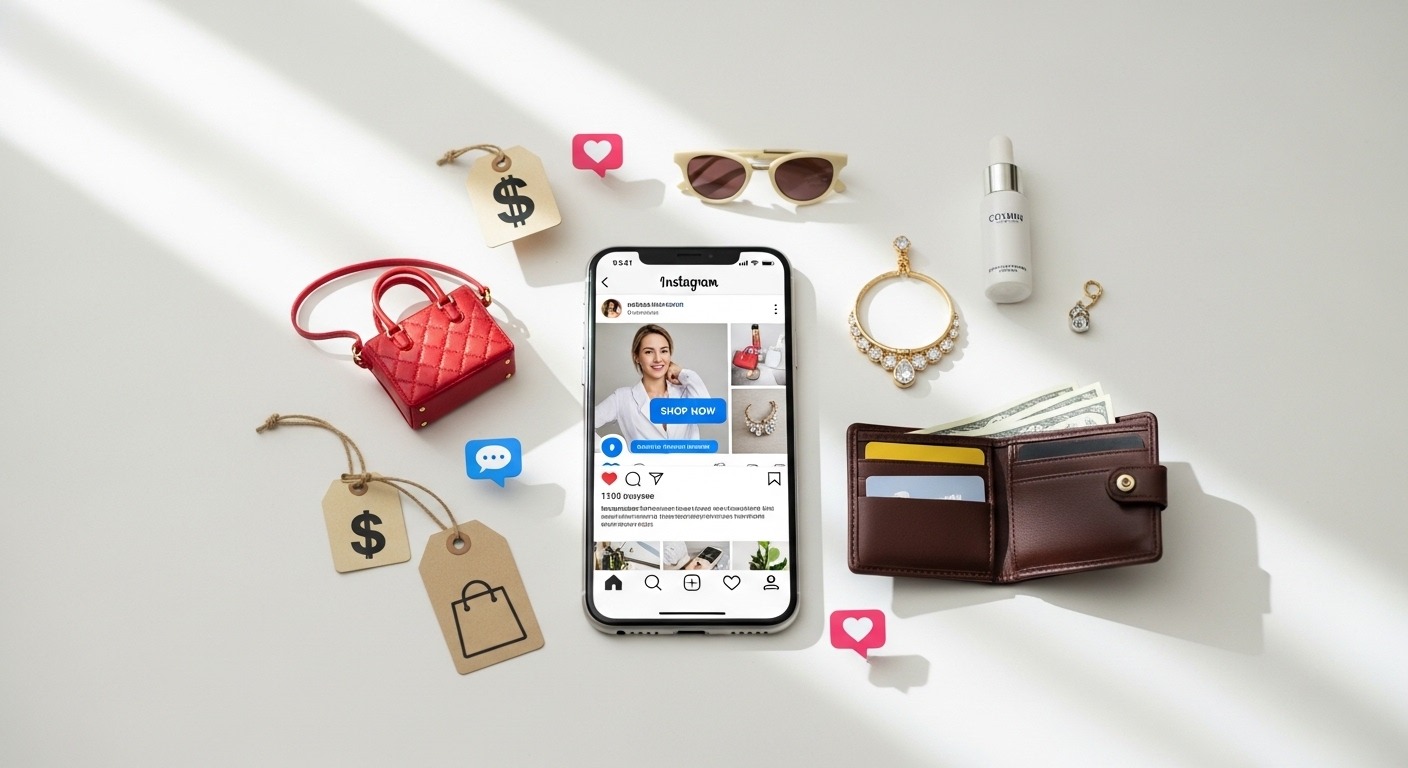
Instagram Shopping transforms your profile from a passive mood board into a fully functioning digital storefront, where every post, Reel, and Story becomes a direct path to purchase. Brands using Instagram Shopping report up to 130% more traffic and significant increases in conversions compared to standard posts alone — according to Instagram’s own business data.
This guide walks you through everything: setting it up, optimising your product catalogue, creating content that converts, and building a full Instagram-to-customer pipeline. Let’s build your social commerce machine.
In This Guide
- Why Instagram Shopping Is a Game-Changer for Retail
- Setting Up Instagram Shopping Step by Step
- Building a Product Catalogue That Converts
- Content Formats That Drive Sales
- Stories, Reels & Lives: Your Sales Amplifiers
- Writing Captions That Convert
- Tracking What Works: Instagram Shopping Analytics
- The 5 Mistakes Killing Your Instagram Sales
- Take Your Retail Marketing Further
🛍 Why Instagram Shopping Is a Game-Changer for Retail
Instagram isn’t just a social network anymore — it’s a full commerce ecosystem. With over 2 billion active users monthly and a highly visual format that’s naturally suited to retail products, Instagram Shopping closes the gap between discovery and purchase in a way no other platform matches.
For retail stores, this represents a direct pipeline from brand awareness → product discovery → intent → purchase, all within a single platform. The key is understanding that Instagram Shopping isn’t a button you press — it’s a system you build. Let’s build yours.
⚙️ Setting Up Instagram Shopping: Step by Step
Before your products can appear as shoppable tags in posts, you need to complete Instagram’s eligibility and setup process. Here’s the exact sequence to follow — don’t skip steps or your application may be delayed or rejected.
Go to Settings → Account → Switch to Professional Account. Choose “Business” (not Creator) for access to all shopping features. Connect your Facebook Page when prompted.
Go to business.facebook.com/commerce → Create Catalogue → Choose “E-commerce”. You can upload products manually, via a data feed (CSV/XML), or connect your Shopify/WooCommerce store directly for automatic syncing.
In Instagram: Settings → Business → Shopping → Connect your catalogue → Submit for review. Review typically takes 1–5 business days. You’ll receive a notification when approved.
Once approved, go to Edit Profile → Action Buttons → Add Shop button. This adds a dedicated “View Shop” button to your profile that lets visitors browse your entire product range without leaving Instagram.
When creating a new post, tap “Tag Products” after adding your photo. You can tag up to 5 products per single image post, 20 products per multi-image carousel, and 1 product per Story sticker. Each tag creates a direct purchase link.
📦 Building a Product Catalogue That Converts
Your product catalogue is the engine behind every shoppable post. A weak catalogue means weak conversions — even with a large, engaged audience. Here’s how to build one that sells.
| Catalogue Element | Minimum Requirement | Conversion-Optimised Version | Impact |
|---|---|---|---|
| Product Title | “Blue Dress” | “Cobalt Wrap Midi Dress — Summer 2026 | Sizes XS–XL” | 🔴 High |
| Description | “Beautiful blue dress” | Benefits-first copy with size guide, material, care instructions, and styling suggestions | 🔴 High |
| Product Image | Single white-background photo | 5–8 images: lifestyle, model, flat-lay, detail shots, colour variants — all 1080×1080px min. | 🔴 High |
| Price | Current price only | Current + sale price (creates visible “was/now” strike-through in the shopping tag) | 🟠 Medium |
| Product URL | Homepage link | Direct product page URL with UTM tracking: ?utm_source=instagram&utm_medium=shopping | 🔴 High |
| Collections | All products in one list | Curated collections: “New In”, “Best Sellers”, “Sale”, “Seasonal Picks” — improves Shop tab UX | 🟠 Medium |
If you use Shopify, WooCommerce, or Squarespace, you can sync your entire product catalogue automatically. Price changes, new products, and stock levels update in real-time — no manual work required. This alone saves hours every week.
🎨 Content Formats That Drive Instagram Sales
Not all Instagram content converts equally. Your job is to create a content mix that covers the full buyer journey — from stopping the scroll to completing the purchase. Here’s how each format fits into your sales strategy:
Single Image Posts
Best for: Hero product shots, new arrivals, seasonal promotions
Tag up to: 5 products per post
Pro tip: Use lifestyle photography over plain backgrounds. Products in real settings convert 3× better.
Carousel Posts
Best for: Lookbooks, “before/after”, product variants, how-to-style guides
Tag up to: 20 products across slides
Pro tip: Carousels get 3× more engagement than single images. Use slide 1 to hook, slides 2–8 to sell.
Reels
Best for: Unboxings, product demos, behind-the-scenes, trending sounds
Reach advantage: Reels are shown to non-followers — your best tool for new customer discovery
Pro tip: Keep under 15 seconds for max completion rate. Tag 1 featured product directly.
User-Generated Content
Best for: Social proof, trust-building, authentic product reviews
Impact: UGC converts at 4× the rate of branded content (Nielsen)
Pro tip: Create a branded hashtag. Repost customer photos (with permission) and tag the featured products.
📅 Sample Weekly Instagram Content Calendar for Retail
| Day | Content Type | Format | Goal |
|---|---|---|---|
| Monday | New Arrival Spotlight | 📸 Single Image | Product Discovery |
| Tuesday | Behind the Scenes | 🎬 Reel (15s) | Trust + Reach |
| Wednesday | Style Guide / Lookbook | 🎠 Carousel (6 slides) | Multi-Product Sales |
| Thursday | Flash Sale or Limited Offer | 📲 Story (3 frames) | Urgency + Conversion |
| Friday | Customer Photo Repost | ✨ UGC Post | Social Proof |
| Saturday | Weekend Best Sellers | 🎬 Reel or Carousel | High-intent Sales Day |
| Sunday | Coming This Week / Sneak Peek | 📲 Story Poll/Quiz | Engagement + Hype |
📲 Stories, Reels & Lives: Your Sales Amplifiers
Feed posts are your storefront window. Stories, Reels, and Lives are your sales floor — where the real conversion conversations happen. Here’s how to use each one strategically:
STORIES
- Add Product Sticker to tag items directly
- Use Countdown timer for limited drops
- Poll stickers: “Which colour do you prefer?”
- Link sticker → product page (all accounts)
- Highlight your best shopping stories
- Post 3–7 Stories per day for algorithm favour
REELS
- Hook in first 1–3 seconds — no intros
- Use trending audio for algorithm boost
- Show product in use, not just on display
- Tag 1 shoppable product in the Reel
- Add text overlays — 80% watch without sound
- Post 3–5 Reels per week for maximum reach
INSTAGRAM LIVE
- Pin shoppable products during the broadcast
- Host monthly “Shop the Live” events
- Announce 24h in advance via Stories
- Offer exclusive live-only discount codes
- Invite a loyal customer or micro-influencer
- Save to IGTV so latecomers can still buy
✍️ Writing Captions That Convert
Most retail brands write captions like product descriptions. The brands that convert write captions like conversations. A great Instagram caption follows a proven structure that stops the scroll, creates desire, and drives action.
🧲 The Retail Instagram Caption Formula
Start with a bold statement, a question, or a relatable pain point. This line shows in the feed before “more” is clicked. Make it irresistible. Example: “The dress that sold out in 6 hours is finally back. 👗”
2–4 sentences about the product’s benefits (not features). How does it make the customer feel? What problem does it solve? Use sensory language. Include 1–2 relevant emojis naturally.
Be specific. Avoid “check the link in bio” — instead: “Tap the product tag below to shop directly” or “Tap the bag icon 👜 to get yours before it sells out.” Add urgency if genuine: limited sizes, limited time.
Use 5–10 targeted hashtags (not 30). Mix: 2 broad (#fashion), 4 niche (#ethicalskincare), 2 local (#londonfashionboutique), 2 branded (#yourstorename). Place them after 3 blank lines to keep caption clean.
Ready to Build a Full Retail
Social Commerce System?
Instagram Shopping is just one channel in a complete retail marketing ecosystem. The Retail Marketing Course at Easy Marketing School teaches you how to combine social commerce, local SEO, email, ads, and content into a strategy that fills your store — online and offline.
✅ Paid social for retail
✅ Content strategies that convert
✅ Full retail marketing funnel
✅ Built for store owners, not marketers
👉 Start the Retail Marketing Course →
Join retail owners who are turning followers into loyal, paying customers
📊 Tracking What Works: Instagram Shopping Analytics
You can’t improve what you don’t measure. Instagram and Meta provide a rich set of analytics for Shopping — here’s what to look at, what the numbers mean, and how to use them to make smarter content decisions.
| Metric | Where to Find It | What It Tells You | Action to Take |
|---|---|---|---|
| Product Page Views | Commerce Manager → Insights | How many people tapped a product tag and viewed the product detail page | High views + low purchases = improve product description or pricing |
| Button Clicks | Commerce Manager → Insights | Clicks on “View on Website” — shows true purchase intent | Low clicks = improve product imagery or catalogue descriptions |
| Reach per Post | Instagram Insights → Posts | Unique accounts who saw a shoppable post — your funnel top | Low reach = try different format (Reel vs image) or post time |
| Product Tag Taps | Instagram Insights → Posts | How many people tapped your shopping tag in a specific post | High taps = replicate this content style. Low taps = reposition tag placement |
| Website Traffic (UTM) | Google Analytics → Acquisition | Exact revenue and sessions attributable to Instagram Shopping | Your most important metric. Double down on posts driving real revenue. |
Connect Instagram Shopping to Google Analytics 4 using UTM parameters on every product URL in your catalogue. This gives you end-to-end tracking from Instagram post → product page → checkout → purchase — so you know exactly which posts are making you money.
🚫 The 5 Mistakes Killing Your Instagram Sales
After the setup, most retail stores fall into the same traps that prevent Instagram Shopping from delivering real results. Avoid these at all costs:
Treating Instagram as a Broadcast Channel, Not a Community
The algorithm deprioritises accounts that only post without engaging. Reply to every comment within the first hour. DM new followers. Ask questions in captions. Community = algorithm fuel = more reach = more sales.
Poor Product Photography
Blurry, dark, or cluttered product photos kill conversions instantly. You don’t need a professional photographer — a smartphone, good natural light, and a clean background can produce stunning results. Learn the basics from Adobe’s product photography guide.
Sending Traffic to a Slow or Mobile-Unfriendly Website
99% of Instagram is accessed on mobile. If your product pages load slowly or aren’t optimised for mobile, every tapped Shopping tag is a dead end. Test your site with Google PageSpeed Insights. Aim for under 3 seconds load time.
Inconsistent Posting — Posting in Bursts, Then Going Silent
Instagram’s algorithm rewards consistency above everything. Posting 10 times in one week then nothing for two weeks destroys your reach. Use Meta Business Suite or Later to batch-schedule posts in advance.
Only Posting Product Shots — No Storytelling
Feeds that are purely product images feel like catalogues, not brands. People follow people. Show your team, your sourcing story, your customers, your process. The 80/20 rule: 80% value/story content, 20% direct product promotion. This builds the trust that converts followers into repeat customers.
✅ Your Instagram Shopping Launch Checklist
🚀 SETUP
🛍 CATALOGUE QUALITY
📸 CONTENT SYSTEM
📊 TRACKING & GROWTH
The Bottom Line
Instagram Shopping doesn’t work by accident. The retail brands that consistently turn followers into paying customers have done the work: they’ve built a clean catalogue, mastered their content mix, and created a seamless path from discovery to purchase.
The good news is that every element of that system is learnable. The setup takes a weekend. The results — more traffic, more in-store visits, more online orders — build over months as your content compounds and your audience grows to trust your brand.
Your followers are already there. They’re already interested. Instagram Shopping is simply the mechanism that transforms that interest into revenue. Start building yours today.
Instagram Shopping
Social Commerce
Retail Marketing
Updated March 2026 | 11 min read
Some links in this post are affiliate or partner links. We only recommend tools and platforms we believe will genuinely help retail business owners grow their social commerce revenue.