Did you know that 76% of consumers who search for something nearby on their smartphone visit a related business within 24 hours? (Google, 2023)
Yet most retail businesses treat their website as a separate universe from their physical store. Big mistake. When your online presence and offline experience work together, foot traffic soars — and so do sales.
In this guide, you’ll discover actionable, proven strategies to turn your retail website into a foot-traffic machine — without a huge ad budget.
📋 What You’ll Learn
- Optimize for Local SEO — Get Found First
- Leverage Your Google Business Profile
- Bridge the Online-to-Offline Gap
- Create Content That Pulls People In-Store
- Mobile Optimization — The Non-Negotiable
- Use Exclusive Web-to-Store Promotions
- Key Stats Every Retailer Should Know
- Take Your Retail Marketing to the Next Level
1. Optimize for Local SEO — Get Found First

When someone types “shoe store near me” or “best boutique in [your city]”, you need to be at the top. Local SEO is the backbone of turning website visitors into in-store customers.
Quick Local SEO Wins:
NAP Consistency
Your Name, Address & Phone must be identical across every online directory, website, and social profile.
Location Pages
Create a dedicated page for each store location with unique content, hours, directions, and a Google Map embed.
Local Keywords
Weave city, neighbourhood & landmark keywords naturally into your page titles, headings, and meta descriptions.
Reviews Strategy
Actively ask satisfied customers for Google reviews. Respond to every review — positive or negative.
Add LocalBusiness Schema Markup to your website. It tells Google exactly who you are, where you are, and when you’re open — dramatically boosting your visibility in local search results and Google Maps.
2. Leverage Your Google Business Profile
Your Google Business Profile (GBP) is essentially a free landing page on Google — and it’s often the first thing a potential customer sees. Yet 56% of retail businesses haven’t claimed their listing.
Your Google Business Profile Power Checklist
Claim & verify your listing — don’t let a competitor or stranger control it.
Upload 10+ photos of your store interior, exterior, products, and team.
Post weekly updates — events, new arrivals, special offers, or behind-the-scenes moments.
Enable messaging so customers can text you directly from search results.
Add your product catalogue so shoppers can preview inventory before they arrive.
Update holiday hours — nothing frustrates a customer more than driving to a closed store.
3. Bridge the Online-to-Offline Gap
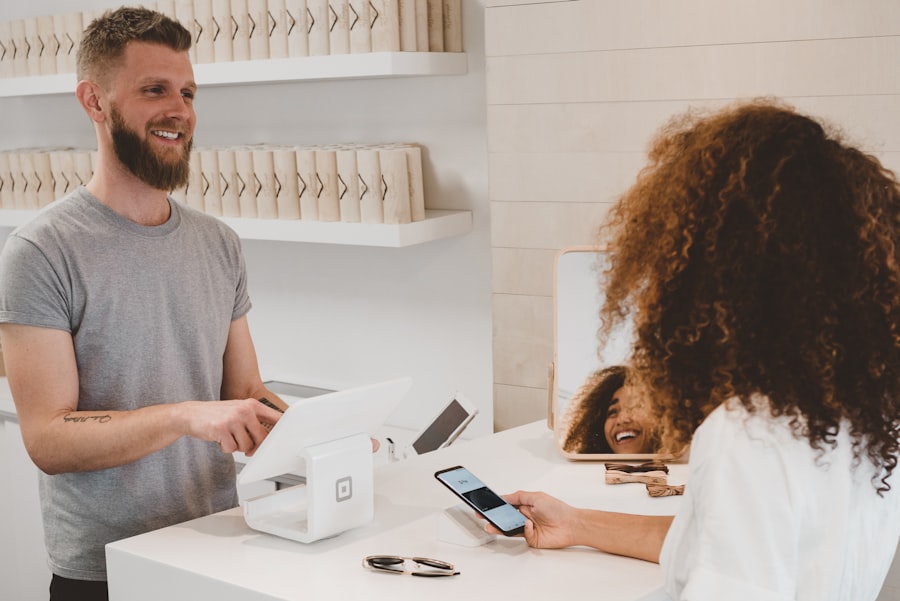
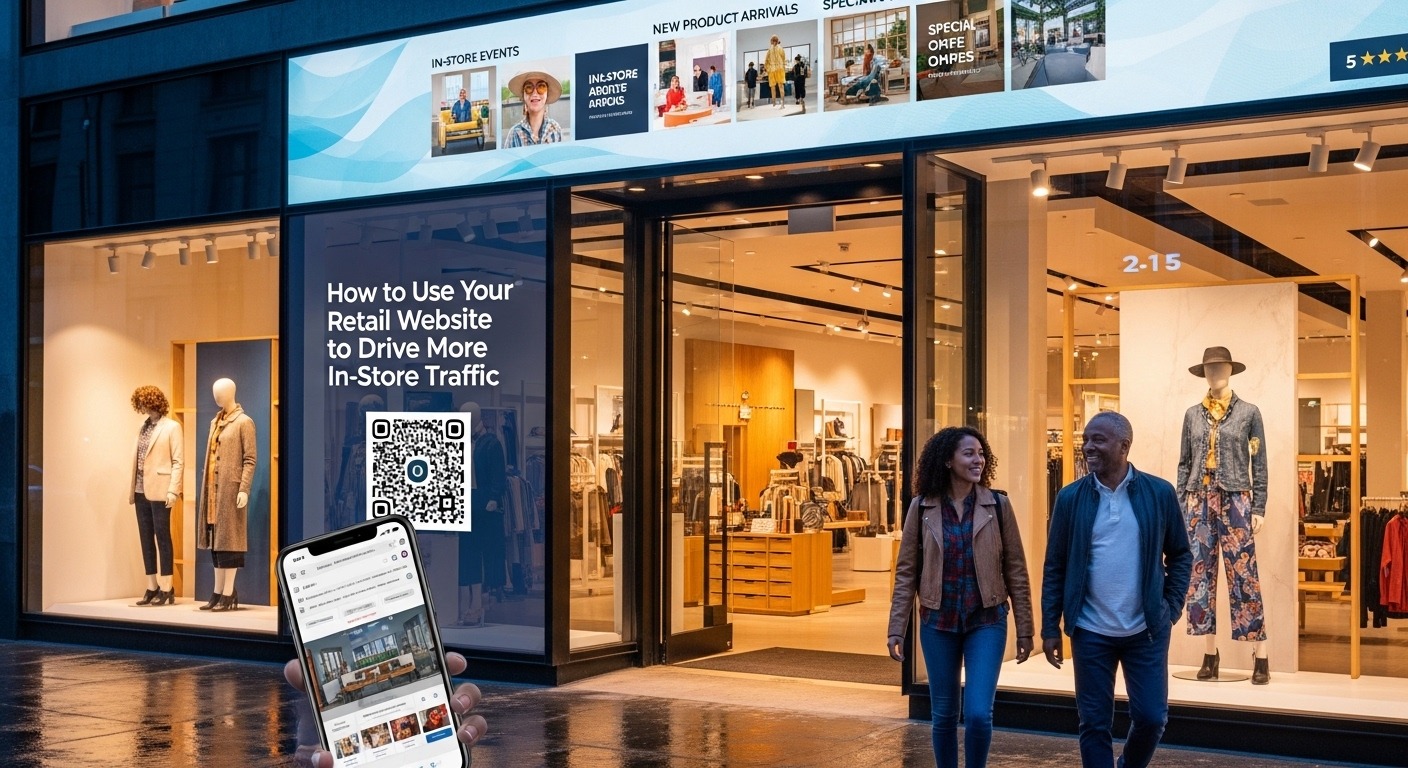
The modern shopper’s journey rarely starts in your store. They research online, compare options, check reviews — then they decide where to go. Your website needs to be the bridge that brings them across the threshold.
Key Tactics to Bridge Online & Offline:
Real-Time Inventory Visibility
Let customers check in-store stock online. Shoppers who can see “3 left in your local store” are far more likely to visit before it sells out. Tools like Shopify POS or Square can sync inventory in real time.
Click & Collect (BOPIS)
Buy Online, Pick Up In-Store brings customers physically through your door. Once inside, 85% make an additional unplanned purchase (ICSC, 2023). It’s the ultimate foot-traffic hack.
Virtual Store Tours
Embed a 360° tour of your store on your website. Seeing your beautiful layout, products, and atmosphere online creates a desire to experience it in person.
In-Store Events Promoted Online
Host workshops, product demos, VIP shopping nights, or seasonal events. Promote them prominently on your website and use sign-up forms to capture interested shoppers.
4. Create Content That Pulls People In-Store
Content marketing isn’t just for e-commerce giants. A smart blog or resource section on your retail website can attract local searchers, build authority, and create a reason to visit.
Local Buying Guides
“Best gifts for fathers in [City] this Father’s Day” — ranks in local search and sends readers to your shelves.
Behind-the-Scenes Video
Show new stock arrivals, staff picks, or how your products are made. Creates curiosity and a personal connection.
Event Announcements
Promote in-store events, trunk shows, or seasonal markets. Add a calendar widget so visitors can save the date.
Neighbourhood Guides
“A Day Out on [Street Name]” — positions your store as part of a local lifestyle destination.
Staff Spotlight Posts
Introduce your team. People buy from people. A human connection makes visiting feel like seeing a friend.
Loyalty Programme Pages
Explain the perks of signing up in-store. Give online visitors a reason they must visit to unlock exclusive benefits.
Target long-tail local keywords in your content (e.g., “affordable men’s fashion boutique Manchester” or “organic skincare store Brooklyn”). These have lower competition and higher purchase intent than broad terms. Use Ahrefs Keyword Generator or Google Keyword Planner (free) to find them.
5. Mobile Optimization — The Non-Negotiable
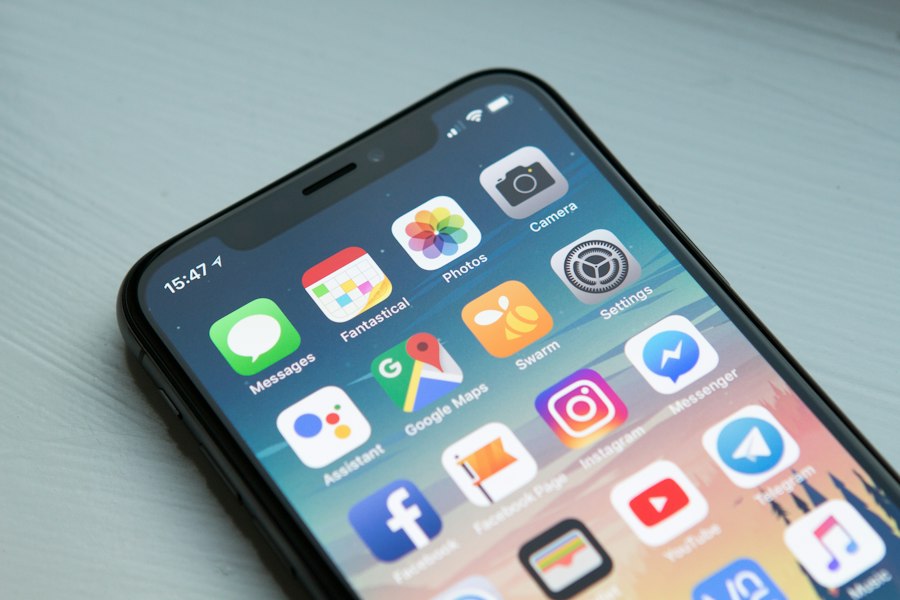
Over 60% of “near me” searches happen on a mobile device, and the vast majority of those result in same-day store visits. If your website is slow, hard to navigate, or ugly on a phone, you’re losing customers every hour.
Test your website speed for free using Google PageSpeed Insights and get specific recommendations to improve load time.
6. Use Exclusive Web-to-Store Promotions

Give online visitors a tangible reason to visit your store. A well-crafted promotion creates urgency, exclusivity, and excitement — the three ingredients for foot traffic.
Printable Coupons
Offer a discount coupon on your website redeemable only in-store. Old-school but still incredibly effective — especially for older demographics.
Show-This-Screen Deals
“Show this page on your phone at checkout to get 15% off.” No printing needed — zero friction for the customer.
Flash Sales (In-Store Only)
Announce a 3-hour in-store flash sale on your website and social media. Creates urgency and drives immediate visits.
Free Gift With In-Store Purchase
Promote a free gift on your website for the next 50 in-store purchases. Creates FOMO and rewards customers who make the effort to visit.
Offer a discount or freebie in exchange for an email sign-up on your website. Then use that list to announce in-store events, new arrivals, and exclusive offers. Email marketing consistently delivers the highest ROI of any retail marketing channel — averaging $42 for every $1 spent.
7. Key Stats Every Retailer Should Know
The data makes a compelling case. Here’s why a strong retail website isn’t optional anymore:
Retail & Digital Behaviour — Data Snapshot 2024/25
of nearby mobile searches result in a store visit within 24 hours
Source: Google
of BOPIS customers make additional unplanned in-store purchases
Source: ICSC
of mobile users abandon slow-loading websites after 3 seconds
Source: Google
average ROI for every $1 spent on email marketing for retail
Source: Campaign Monitor
of all “near me” searches are performed on a mobile device
Source: BrightLocal
of small retail businesses haven’t claimed their Google Business Profile
Source: BrightLocal
⚡ Quick Wins: Your 30-Day Action Plan
Prioritise these actions to start seeing results fast:
Week 1
- Claim & fully complete your Google Business Profile
- Add click-to-call & directions button to your homepage
- Run PageSpeed Insights & fix top issues
Week 2
- Add LocalBusiness schema markup to site
- Audit NAP consistency across all directories
- Create / update dedicated location page(s)
Week 3
- Launch first web-to-store promotion
- Publish first local SEO-focused blog post
- Ask 10 customers for Google reviews
Week 4
- Add email sign-up form with an incentive
- Plan first in-store event to promote online
- Explore BOPIS options with your POS provider
🎓 Ready to Go Deeper?
Master Retail Marketing —
From Website to Storefront
The strategies in this guide are just the beginning. The Retail Marketing Course at Easy Marketing School dives deep into the full system for building a retail brand that dominates both online search and your local high street.
✔ Social Media for Retail
✔ Email & Loyalty Marketing
✔ Paid Ads for Foot Traffic
✔ Seasonal Promotions Strategy
🚀 Enrol in the Retail Marketing Course →
Join thousands of retail business owners transforming their marketing.
Final Thoughts: Your Website Is Your Front Door
The physical and digital worlds of retail are no longer separate. Customers weave between them effortlessly — and the retailers who thrive are the ones who meet them at every step of that journey.
Your website isn’t competing with your store — it’s the most powerful tool you have for filling it. Start with the quick wins in this guide, measure what works, and build from there.
The retailers who invest in smart digital marketing today are the ones whose stores will be thriving tomorrow.
Easy Marketing School
Retail Marketing Education
Practical, no-fluff marketing education designed specifically for retail business owners who want to grow both online and in-store.