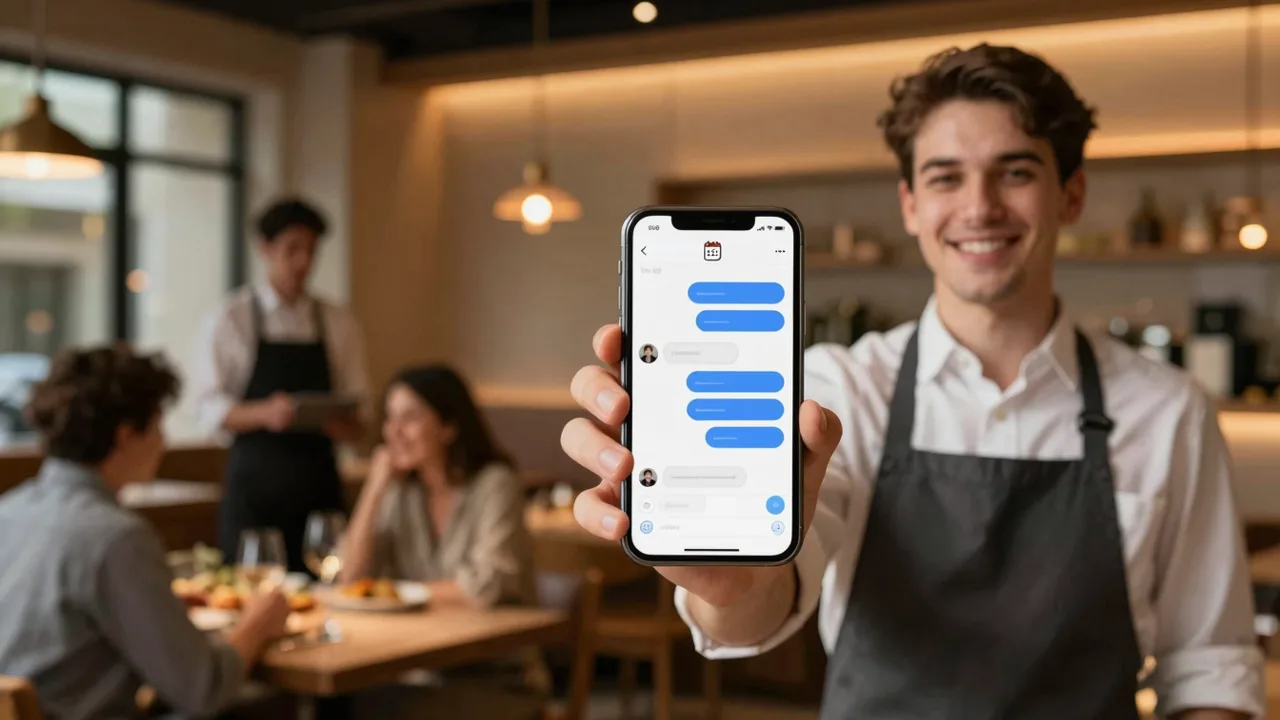
A guest opens your website at 10:40pm and asks if you have a table for four tomorrow at 8. Another sends a WhatsApp message asking whether the lamb is halal. Someone comments on your latest TikTok video asking where you’re located. By the time a staff member checks the phone the next morning, two of those three people have already booked somewhere else. This is the gap an AI agent for restaurants is built to close: it answers the moment a message arrives, on whichever channel the guest chose, using your actual menu, hours and policies, and it hands the conversation to a person the moment a human judgment call is needed.
This guide is for the owner, manager or the one person doing marketing at a restaurant, café, small hotel or guesthouse. It covers what an AI agent should handle, what it must leave to staff, how to prepare it, where the resulting leads should land, and how to launch one in a week without disrupting service.
Why guest messages get lost
Restaurants and small hotels get messages on a schedule that has nothing to do with staffing. A dinner reservation request can arrive at 11pm, a breakfast question at 6am, a delivery question during the Friday rush when every server is on the floor. Nobody is paid to sit by the phone at those hours, so the message waits. Some guests wait too; many don’t — they message the next place on their list and book there instead.
The pattern repeats across channels. A guest DMs your Instagram about a dish they saw in a reel. Someone messages your Facebook Page asking about delivery zones. A tourist writes in French through your website chat. Each channel is a place a guest expects a reasonably quick reply, and each one is one more inbox nobody has time to watch all day.
What an AI agent for restaurants actually does — and doesn’t
A well-set-up AI agent answers the questions that repeat every day: menu items and prices, dietary and vegetarian options at a general level, opening hours, location and parking, delivery zones and minimums, and table availability. It can take a reservation request and record it, start a food order and record it, and answer basic FAQs about the venue. When a question needs judgment — a specific allergy, a large group booking, a complaint, a media request — it should say so plainly and hand the conversation to staff rather than guess.
To see what a working version of this looks like, Ainisa’s live restaurant AI agent demo shows an agent answering menu and pricing questions, giving opening hours and location, handling table reservations and food orders, sharing delivery and pickup information, answering FAQs, and transferring the conversation to staff when needed. It works through website chat and WhatsApp Business, with Facebook Messenger, Instagram, Telegram and TikTok also listed as channels, and its demo menu is a multilingual knowledge base covering English, Turkish, Russian, German, Spanish, French and Chinese. It stores reservations and orders in Google Sheets, and notes that leads can also go to Telegram groups or channels, email, CRMs or webhooks. Setup help is offered there as a paid service.
Where guests actually message you
A restaurant’s inbox isn’t one inbox. Guests choose whichever channel is already open on their phone, and they expect the same accurate answer wherever they ask.
Before and after: what actually changes
The difference an AI agent makes is easiest to see in the moments that currently go unanswered.
| Situation | Without an AI agent | With an AI agent |
| Guest messages at 11pm | Reply comes the next morning, if at all | Answered immediately; staff review it later |
| Busy Friday evening | Phone and DMs pile up, some never get answered | Simple questions handled automatically; staff focus on the floor |
| Tourist writes in another language | Message sits unanswered or gets a rough reply | Answered in the guest’s language from the same knowledge base |
| Same questions every day | Staff repeat “we open at 6” ten times a shift | Answered instantly; staff time goes to guests in front of them |
Preparing the knowledge base
An AI agent is only as good as what you give it. Before it talks to a single guest, put together:
- Menu and prices — the current one, not last season’s. If your menu changes with suppliers or seasons, decide who updates the source and how often.
- Opening hours — including holiday hours and any early closures, so the agent never tells a guest you’re open when you’re not.
- Reservation and order flow — what details it needs to collect (party size, time, name, phone number), and what counts as confirmed versus pending.
- Policies — cancellation windows, deposit rules for large groups, delivery zones and minimums, corkage, pets, children’s menus.
- Allergen and dietary rules — the agent can state which dishes are marked vegetarian or flagged for common allergens if you give it that data, but any specific allergy question (“does this contain nuts, I’m allergic”) should go to a person who can check with the kitchen. Don’t let an automated system make a promise about someone’s safety.
- Handoff rules — a written list of what always goes to a human: complaints, large events, media or supplier calls, payment disputes, and any question the agent isn’t confident about.
- Tone of voice — match how your staff actually talk to guests. A fine-dining restaurant and a beach bar shouldn’t sound the same.
- Languages — list the languages your guests actually write in, especially in a tourist area, and check that answers stay accurate in each one, not just fluent-sounding.
Where the leads go
Every reservation, order and question the agent handles should land somewhere your team actually checks. Common setups: a Google Sheet that staff open at the start of a shift, a Telegram group or channel for real-time alerts, an email for daily summaries, or a CRM if you already run one. Some setups also push data to other tools through a webhook. Pick one primary destination your team checks reliably, and treat the rest as backups — a lead that lands in three tools nobody opens is no better than a message that was never answered.
An example calculation — not a promise
Nobody can tell you how many bookings you’re currently missing without looking at your own numbers. The calculation below shows the kind of arithmetic worth doing with your own message logs — the figures are placeholders, not a claim about typical results.
Run the same arithmetic with your own numbers: count how many after-hours or unanswered messages you actually get in a week, estimate what share would plausibly have become a booking, and multiply by your average spend per table. The result is a starting estimate, not a guarantee — the real number depends on how many of those guests would have gone elsewhere anyway.
A 7-day launch plan
- Day 1 — Gather the source material. Current menu with prices, hours, policies, and a list of your five most common guest questions.
- Day 2 — Write the handoff rules. Decide, in writing, exactly which topics always go to a person.
- Day 3 — Set the tone and languages. Write a handful of sample answers the way your staff would actually say them, in each language your guests use.
- Day 4 — Connect the channels. Start with website chat and WhatsApp, since those tend to carry the most reservation and order traffic; add Instagram, Messenger, Telegram or TikTok once the basics work.
- Day 5 — Connect the destination. Confirm reservations and orders land in the Sheet, Telegram group, email or CRM your team actually checks.
- Day 6 — Test it like a guest. Ask it about the menu, hours, an allergy question, and a tricky one it should hand off. Fix anything it gets wrong before guests see it.
- Day 7 — Go live and brief your team. Explain how handoffs arrive and who responds to them, then turn it on.
What to measure once it’s live
Give it a couple of weeks, then look at a few numbers rather than a gut feeling.
Mistakes to avoid
- An outdated menu. Nothing damages trust faster than the agent quoting last season’s prices or a dish you no longer serve. Update the source, not just the printed menu.
- Letting it answer allergy and medical questions alone. Route these to a person every time, even if the agent seems confident.
- No real handoff path. If “hand off to staff” doesn’t actually reach anyone in real time, the guest is stuck talking to a bot with no way out.
- A robotic tone. Guests notice when the wording doesn’t match how your venue actually talks. Review real conversations and adjust it.
- Skipping consent and privacy basics. Be clear about what guest data you collect (name, phone, order details) and don’t use it for anything beyond running the booking or order.
- Treating it as “set and forget.” Menus change, hours change for holidays, new questions come up — the knowledge base needs an owner.
How this fits your wider hospitality marketing
An AI agent doesn’t replace the rest of your marketing — it protects the results of it. Every review that sends someone to your website, every TikTok that gets someone to check your hours, every local search result that leads a tourist to message you, ends at a conversation. If that conversation goes unanswered, the marketing spend that got them there was wasted. Response speed, accuracy across languages, and a smooth path from “message” to “booking” all affect whether a first-time guest becomes a repeat one — and repeat guests, reviews and local search visibility are the core of hospitality marketing that compounds over time. If you want the fuller picture — local search, reviews, seasonality, working with tour operators and OTAs — the Hospitality and Tourism Marketing Course covers marketing for hotels, tour operators and travel businesses in more depth than one article can.
Conclusion
An AI agent for restaurants and small hotels isn’t about sounding impressive — it’s about making sure the guest who messages at 10:40pm gets an answer, the tourist who writes in another language gets the right hours, and the person asking about the lamb gets routed to someone who actually knows. Prepare the knowledge base properly, set clear handoff rules, and check where the leads land, and the rest is mostly maintenance.
FAQ
Does an AI agent replace my host or reservations staff?
No. It handles repeat questions and captures reservations and orders so staff spend less time on the phone and more time with the guests in front of them; anything requiring judgment should still go to a person.
Can it handle allergy questions safely?
It can state which dishes are marked vegetarian or flagged for common allergens if you provide that data, but any specific allergy question should be handed off to staff who can confirm with the kitchen.
Which channels should I connect first?
Start with the ones already carrying the most reservation and order traffic — usually website chat and WhatsApp — then add Instagram, Messenger, Telegram or TikTok.
Do I need a developer to set this up?
Not necessarily. Most of the setup work is preparing accurate content — menu, hours, policies, handoff rules — rather than writing code; some providers offer setup as a paid service.
How do I know if it’s working?
Track first response time, how many conversations it completes without staff, how many reservations and orders it captures, its handoff rate, and the questions it couldn’t answer — then use that last one to improve the knowledge base.