Social media automation tools can now schedule your posts, draft captions, turn a product photo into a short video, summarise last month’s numbers and flag comments that need an answer. That is a lot of hours handed back to a small team. It also creates a new risk: a feed that is busy, consistent and completely forgettable, because nobody with real knowledge of the business touched it. This guide sorts the AI tools for social media marketing into four practical categories, shows which tasks are safe to automate and which should stay human, and ends with a simple weekly workflow you can copy.
It is written for small-business owners and the one or two people who run social media for them. If any of the vocabulary here is new, start with marketing concepts explained. We don’t rank vendors or quote their prices here; prices and plans change every few months, and the decision that matters more is which jobs you hand to software at all.
What social media automation tools actually do
Most products on the market combine several of the jobs below, but it helps to judge each job separately. A tool can be excellent at scheduling and weak at writing, or the other way round.
1. Scheduling and publishing
This is the oldest and safest kind of automation. You prepare posts in advance, choose dates and times, and the tool publishes them for you. The platforms’ own tools cover the basics: Meta Business Suite schedules Facebook and Instagram posts, YouTube Studio schedules video releases, and LinkedIn lets you schedule posts from the post composer. Third-party schedulers add one calendar for many networks, approval steps for teams and a queue you can reorder.
Good to automate: the act of publishing at the right time, reposting evergreen content, keeping a steady rhythm while you are busy with customers.
2. Content creation: text, images and video
Generative AI writes caption drafts, hooks, hashtags and alt text; image models produce backgrounds, product scenes and branded templates; video tools assemble scripts, scenes, voice-over and subtitles into short vertical clips. This is where most of the time savings are, and where most of the risk is. A model writes fluently about your business without knowing anything about it unless you tell it.
Some newer products go one step further and act as an AI social media manager. Wisppilot, for example, creates videos and visual posts from a saved brand profile (logo, colours, products, tone of voice) and holds everything for the owner’s approval before it is scheduled.
3. Analytics and reporting
Every platform has built-in insights, and dashboards pull them together. AI features on top of that write plain-language summaries (for example, “Reels about your team got twice the saves of product posts this month”) and spot outliers. Automating the collection and the first summary is sensible. Deciding what the numbers mean for next month is not something to delegate.
4. Social listening and the inbox
Listening tools track mentions of your brand, competitors and keywords across public posts, and sentiment analysis sorts them into positive, neutral and negative. Inbox tools pull comments and messages from several networks into one place and can suggest replies. Useful, as long as a person reads the negative and unusual ones before anything is sent.
How is AI used in social media marketing today?
In practice, small businesses use AI for social media in five recurring ways:
- Ideas and planning: turning one theme (“autumn menu”, “back to school”) into a month of post ideas.
- First drafts: captions, scripts and hooks that a person then edits.
- Visuals: branded post designs, resized versions for each network, short videos built from photos.
- Repurposing: rewriting one blog post or customer story as a carousel, a short video script and a LinkedIn post.
- Sorting and summarising: grouping comments, tagging messages by topic, writing the monthly report.
What these have in common is that AI prepares and a person decides. The businesses that get poor results usually skipped the second half.
What to automate and what to keep human
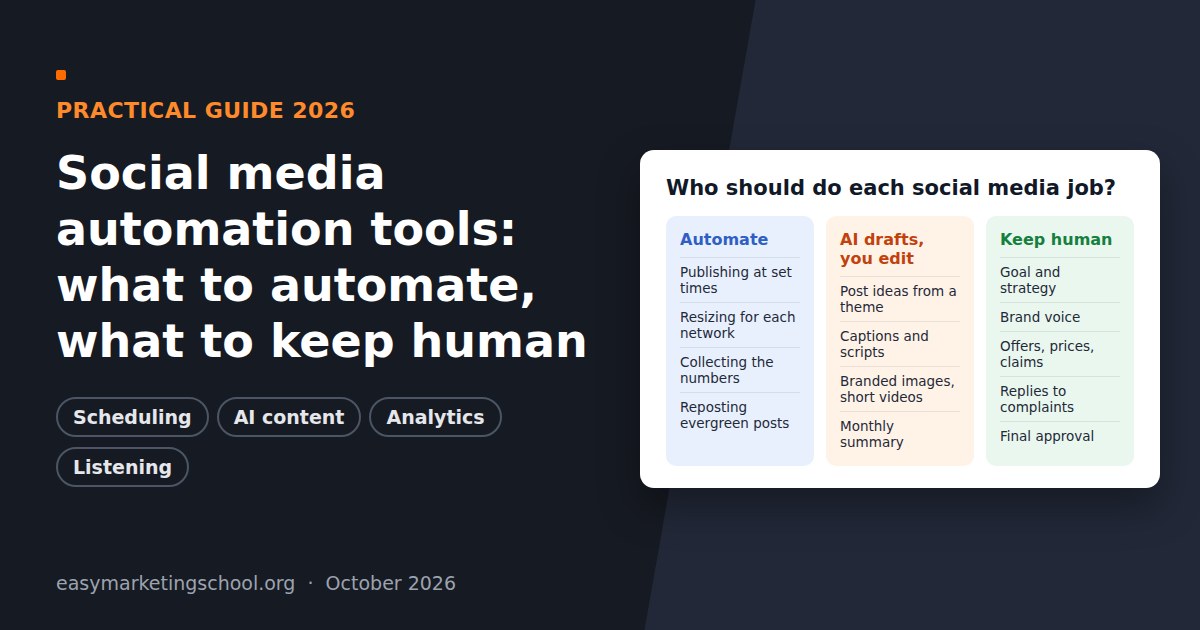
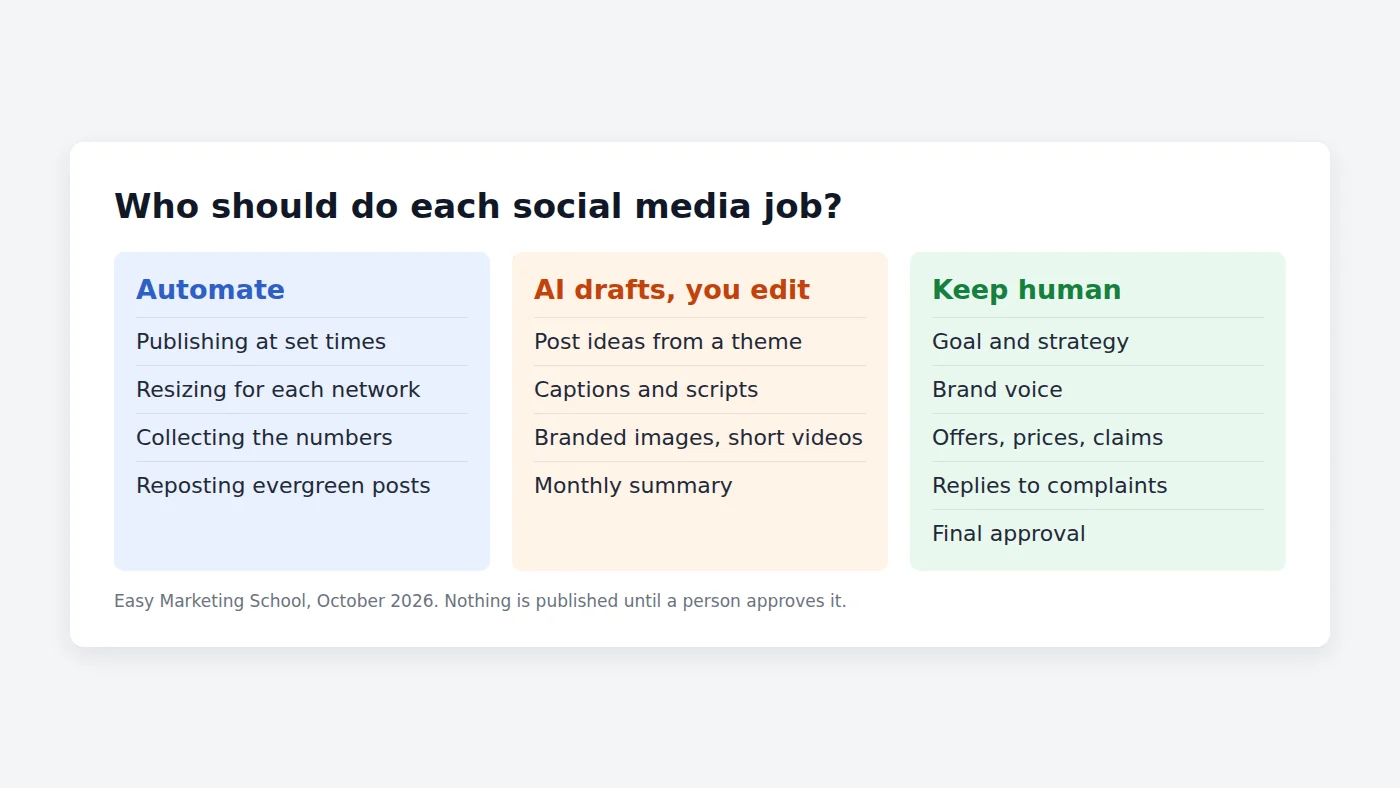
Use this table as a starting point. “Automate” means the tool does the work and you check it in bulk; “Assist” means AI drafts and a person edits each item; “Human” means a person does it, with AI at most as a note-taker.
| Task | Who does it | Why |
|---|---|---|
| Publishing at set times | Automate | Mechanical, easy to check in a calendar view |
| Resizing for each network | Automate | Rules-based; errors are visible at a glance |
| Post ideas from a theme | Assist | Fast volume, but you pick what fits the season and stock |
| Captions and video scripts | Assist | AI drafts well; facts, offers and voice need your edit |
| Branded images and short videos | Assist | Check products, hands, text and logos before approval |
| Monthly performance summary | Assist | AI collects and describes; you decide what changes |
| Brand voice and positioning | Human | It is the thing that makes you different |
| Offers, prices, claims, health or legal topics | Human | Mistakes here cost money or trust |
| Replies to complaints and DMs | Human | Customers can tell, and one bad reply spreads |
| Final approval before posting | Human | The last line of defence against errors |
Why strategy and brand voice should stay human
AI tools learn from what is common. That is exactly why they are good at a clean caption and weak at a distinctive one. Four jobs should stay with the owner or the person who knows the customers best:
- Choosing the goal. More bookings, more walk-ins, more enquiries from a new neighbourhood? A tool can execute a plan; it should not choose it for you.
- Owning the voice. Write down five words that describe how you talk, three phrases you always use and three you never use. Paste that into every tool you use. Then still read the result.
- Checking facts and offers. Opening hours, prices, discounts, ingredients, medical or financial statements: AI will happily invent a plausible version. Every offer gets a human check.
- Talking to people. Answering a complaint, thanking a regular by name, replying to a local journalist. Suggested replies are fine as a draft; sending them unread is not.
This is also where most people need structure more than software. Our social media marketing course covers the strategy side: how to build a social media plan, which content types to use, paid, owned and earned media, and how to measure video and social results.
How to use AI for social media marketing: a weekly workflow
Here is a routine that fits into about two hours a week for a small business. Adjust the numbers to your own capacity; the order matters more than the volume.
- Monday, 20 minutes: decide. Pick one goal for the week and two or three topics (a product, a behind-the-scenes moment, a customer question). This is human work.
- Monday, 30 minutes: generate. Ask your AI tool for caption drafts, a short video script and a visual for each topic. Give it your voice notes and the facts it must use.
- Tuesday, 30 minutes: edit and approve. Fix facts, cut generic phrases, add one detail only you would know. Reject anything you would not say to a customer’s face.
- Tuesday, 5 minutes: schedule. Put approved posts into the calendar at the times your audience is active.
- Daily, 10 minutes: reply. Read comments and messages yourself. Use suggested replies only as drafts.
- Friday, 15 minutes: review. Let the tool summarise the week; you decide one thing to repeat and one to drop.
An AI social media manager can take over steps 2 and 4 in one place. In Wisppilot, for instance, the owner adds a website, logo, colours, products and tone of voice once; the tool then creates videos in 30+ styles and visual posts in two variants, and after the owner approves them in the dashboard it schedules and publishes them to 10 networks, including TikTok, Instagram, LinkedIn, YouTube and Facebook. Nothing goes live without that approval, which is the step this whole guide is about. (Wisppilot is built by the team behind Easy Marketing School.)
If you want to understand the tools themselves, how ChatGPT, chatbots and AI marketing tools work and where they fit, that is a separate skill from social media strategy.
How to choose AI social media tools: a short checklist
- Is there an approval step? You should be able to see and approve every post before it is published, on your phone as well as on a computer.
- Does it keep your brand settings? Logo, colours, fonts and tone of voice should be saved once, not pasted into every request.
- Which networks does it actually publish to? Check that your two or three main networks are supported for publishing, not only for drafting.
- Can you edit in plain words? “Make the second line shorter” should be enough; you should not need a designer for small changes.
- Who owns the content and the data? Read how the tool stores your photos and customer messages.
- Can you start small? Try it on one network and one content type for a month before moving everything over.
If you are still comparing ways to learn the basics before you buy any tool, our overviews of the best social media marketing courses online and the best AI marketing courses compare free and paid options side by side. For a concrete example of a weekly plan in one industry, see what a restaurant should post every week.
Disclosure, accuracy and platform rules
The networks themselves now ask for transparency about AI content. YouTube requires creators to disclose AI-generated or altered content that seems realistic, while non-realistic content and minor edits don’t need a label. Meta shows an “AI info” label on content it detects as generated by AI tools or that people self-disclose. Practical rules for a small business:
- Do not create realistic “customers”, testimonials or reviews with AI. Use real customers, with permission.
- Label realistic AI-generated scenes when the platform asks for it.
- Keep a short written policy: what AI may draft, who approves, what is never automated. The NIST AI Risk Management Framework is a useful, free reference if you want a more formal structure.
Frequently asked questions
What are social media automation tools?
They are software that takes over repeatable social media jobs: scheduling and publishing posts, drafting captions and visuals with AI, collecting analytics and monitoring mentions or comments. The best use is to automate the mechanical parts and keep a person in charge of strategy, approval and replies.
Can AI run my social media completely on its own?
It can produce and publish content without you, but it shouldn’t. AI does not know your stock, your offers or your customers unless you tell it, and it can state wrong facts confidently. Keep at least a final human approval before anything goes live, and answer complaints yourself.
What should I automate first?
Start with scheduling: plan a week of posts in one sitting and let a tool publish them. Next, use AI for first drafts of captions and visuals. Automate reporting after that. Leave replies, offers and brand voice for last, or keep them human for good.
Will AI-generated posts hurt my reach?
The platforms don’t say they penalise AI content as such, but generic posts give people little reason to stop, comment or share, and realistic AI content may need a label. Your own photos, people and details are what a competitor’s tool cannot copy.
Do I need a course to use AI tools for social media marketing?
Not to press the buttons. A course helps with what the tools cannot give you: a strategy, a content plan and a way to measure results. Our social media marketing course for small business owners is built for that.